 Careerline
Careers, drawn as
metro lines.
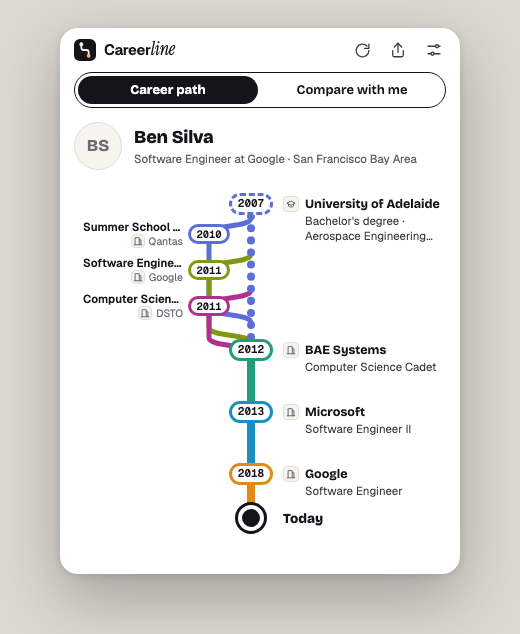
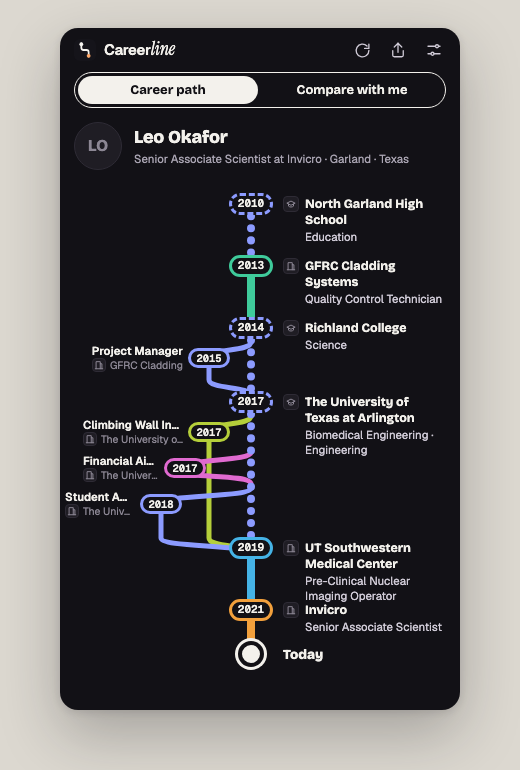
Careerline turns any LinkedIn profile into a beautiful metro-map of a career — stations for every role, branches for side tracks — and lets you compare it with your own, year by year.
Free plan: 3 career views a day. Premium: $5 once, unlimited forever.
What it does
Career path
Open any LinkedIn profile and see the whole journey at a glance: education dotted, employers color-coded, concurrent roles as branches — like a transit map of a life.
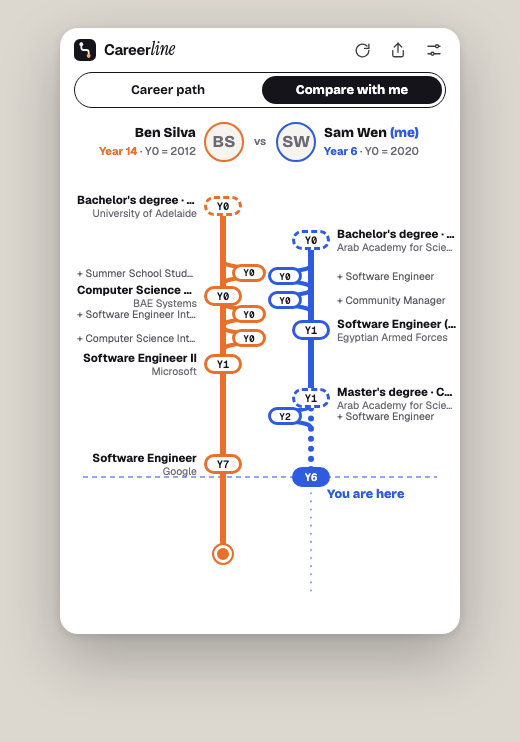
Compare with me
Save your own profile once (it stays in your browser). Then compare any career with yours, aligned by career year — Year 0 is your graduation, theirs is theirs.
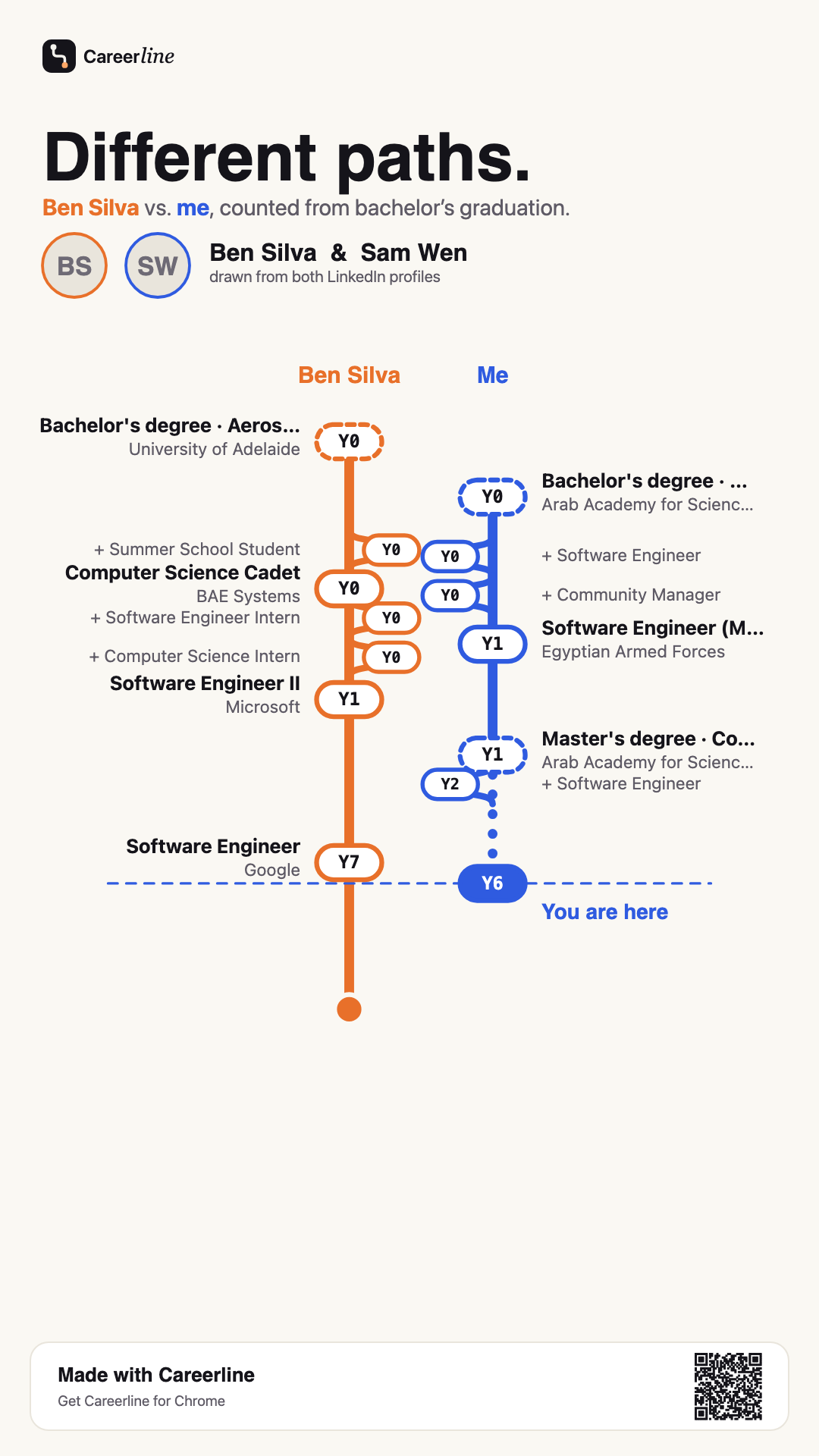
Share the picture
Export story, square, or link-card images — drawn locally in your browser, with names, photos, and a QR code to the profile. Or hide the other person with one toggle.
Pricing
- 3 views per day
- Career path & Compare with me
- Share images
- Everything in Free
- Unlimited views, forever
Private by design
Careerline is a pure front-end extension. Profiles are read in your own browser session, drawings are rendered locally, and your saved profile never leaves your machine. There is no Careerline server and no analytics.
Payments are processed by Stripe via ExtensionPay; Careerline never sees your card details.
Careerline is an independent product and is not affiliated with, endorsed by, or sponsored by LinkedIn.